16 months of full-time remote work. Here’s what gear actually makes a difference and what’s just marketing BS.
Desk setup
Standing desk
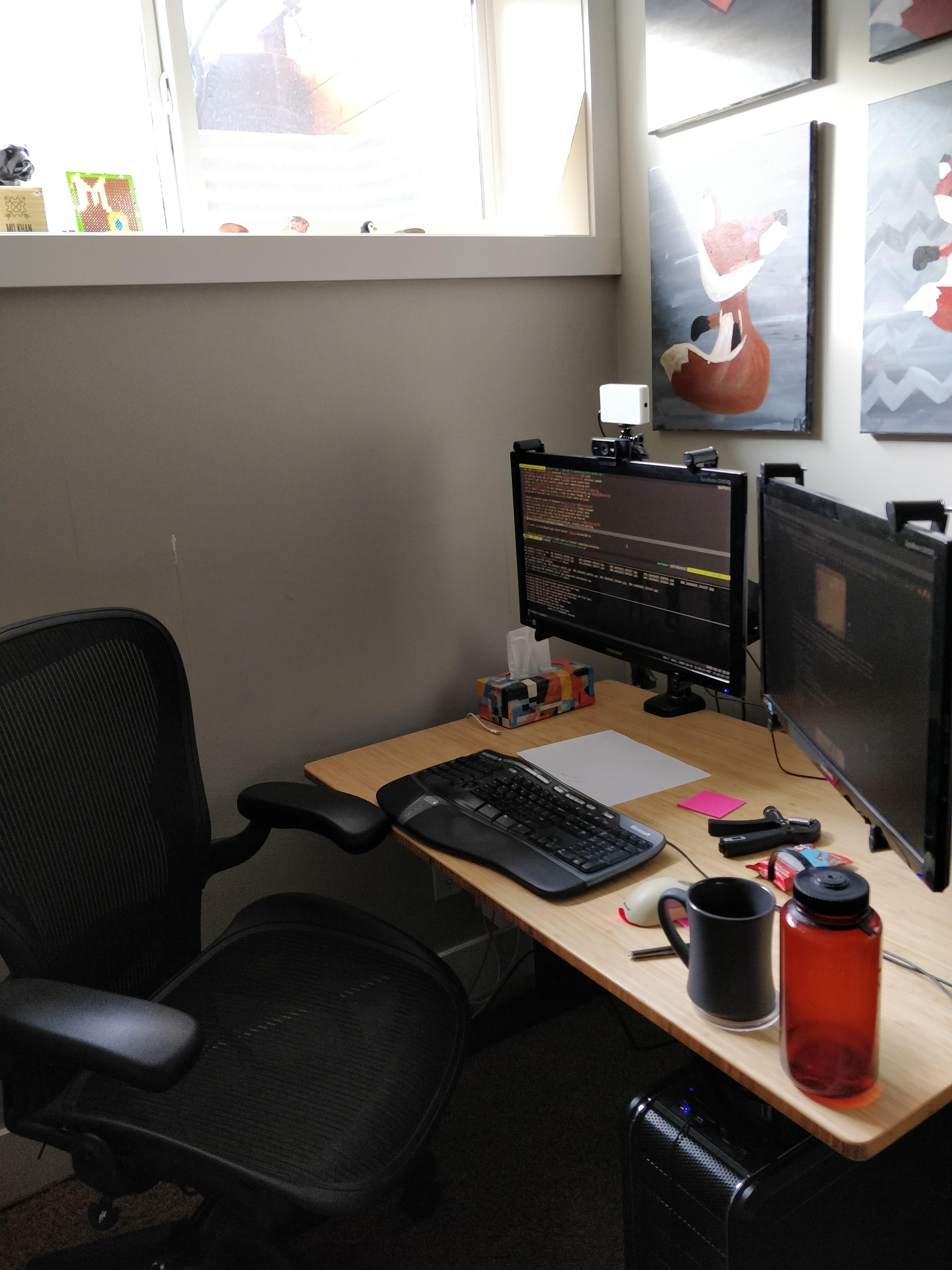
Got a Jarvis Bamboo Standing Desk. Thought I’d stand all the time. Wrong.
Turns out I mostly sit. But standing for presentations and calls feels better. Don’t buy a standing desk to stand all day. Buy it for flexibility.
Chair
Herman Miller Aeron Chair. Bought used for $250 CAD on Kijiji.
Before this I had some garbage chair from Costco that destroyed my back for a year. Lesson: buy a good chair. Your back is worth more than $250.
Video calls
Lighting
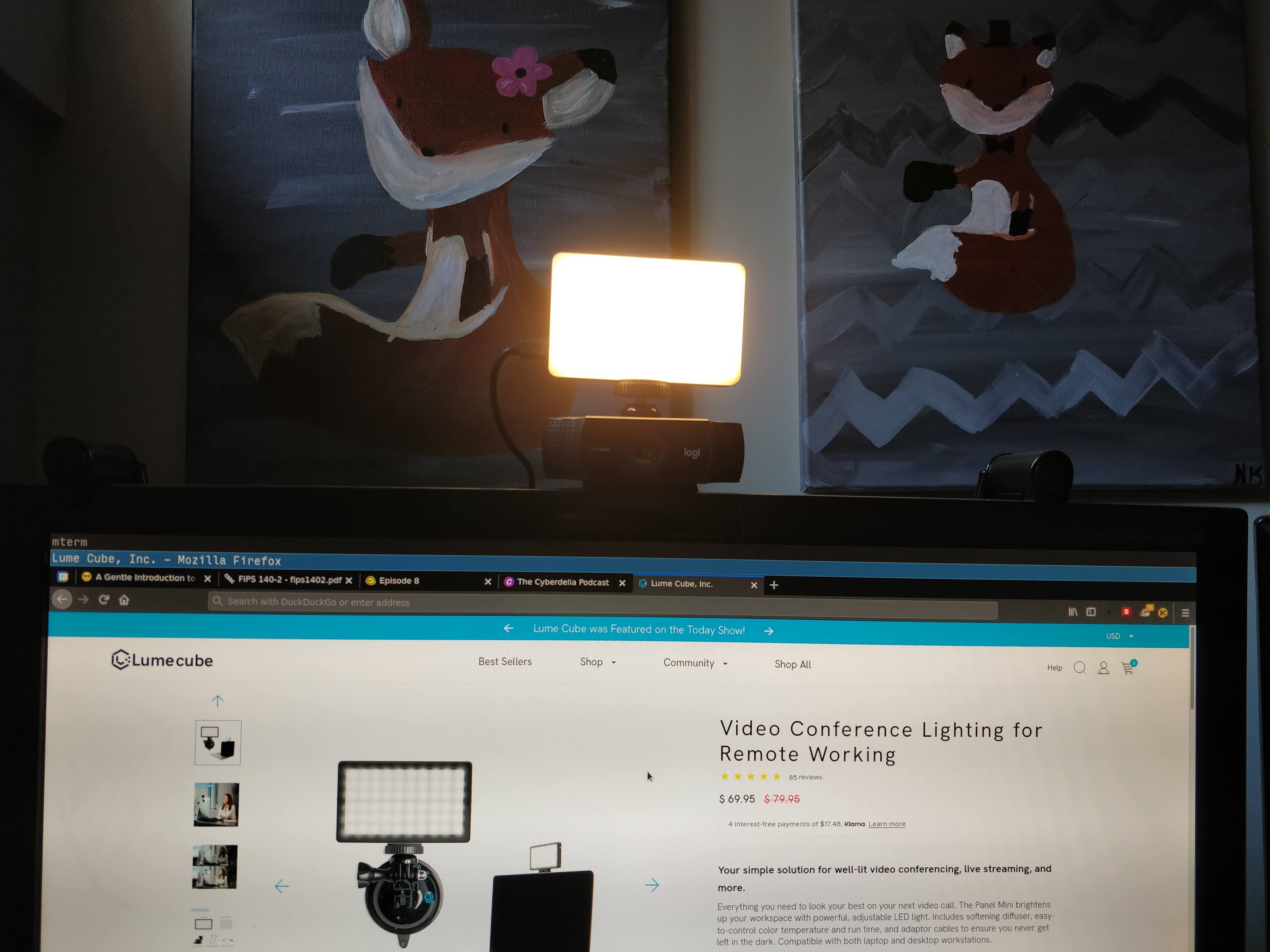
Dark skin + laptop camera = invisible on video calls. Got a Lumecube light on my Logitech C922 webcam.
Game changer. I only turn it on during meetings because having a bright light in your face while coding sucks.
Colleagues swear by the Elgato Key Light but I haven’t tried it.
Input stuff
Notes
Still keep pen and paper on my desk. Digital notes live in vimwiki but sometimes you need to scribble.
Thinking about a gaming mouse pad and Livescribe pen but haven’t pulled the trigger.
Keyboard
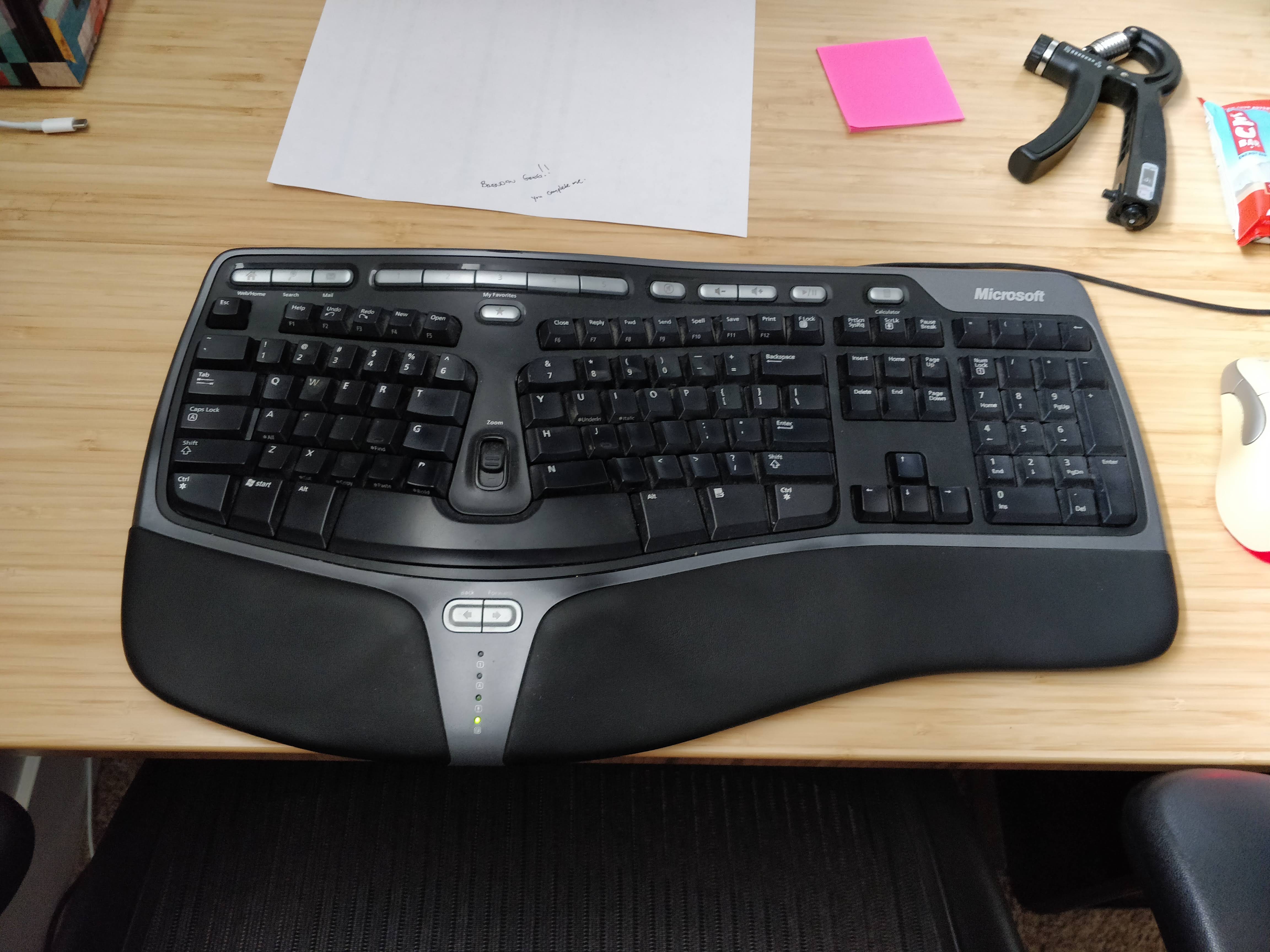
Microsoft Natural Ergonomic Keyboard 4000 since 2007. Still works. People post fancy keyboards in our #keyboards Slack but why fix what isn’t broken?
Audio
Tried wireless headphones. Too bulky for video calls and got gross (bald head problems).
Now I use wired earbuds. Less latency, less awkward talk-overs.
Other stuff
Cables
Clean up your cables. Chaos under the desk affects your mood more than you think.
Printers
They still suck. But sometimes you need to print/sign/scan stuff. Got a Canon printer on the network.
Pro tip: Family printing during important calls is a thing. Plan accordingly.
Network
Wired connection for video calls. WiFi for everything else. Cat6 to a Cisco switch running pfSense.
Video platforms I use:
- Jitsi: Just works, no account needed
- Zoom: Standard, run it in firejail
- Skype: Linux client is actually decent
Whiteboard
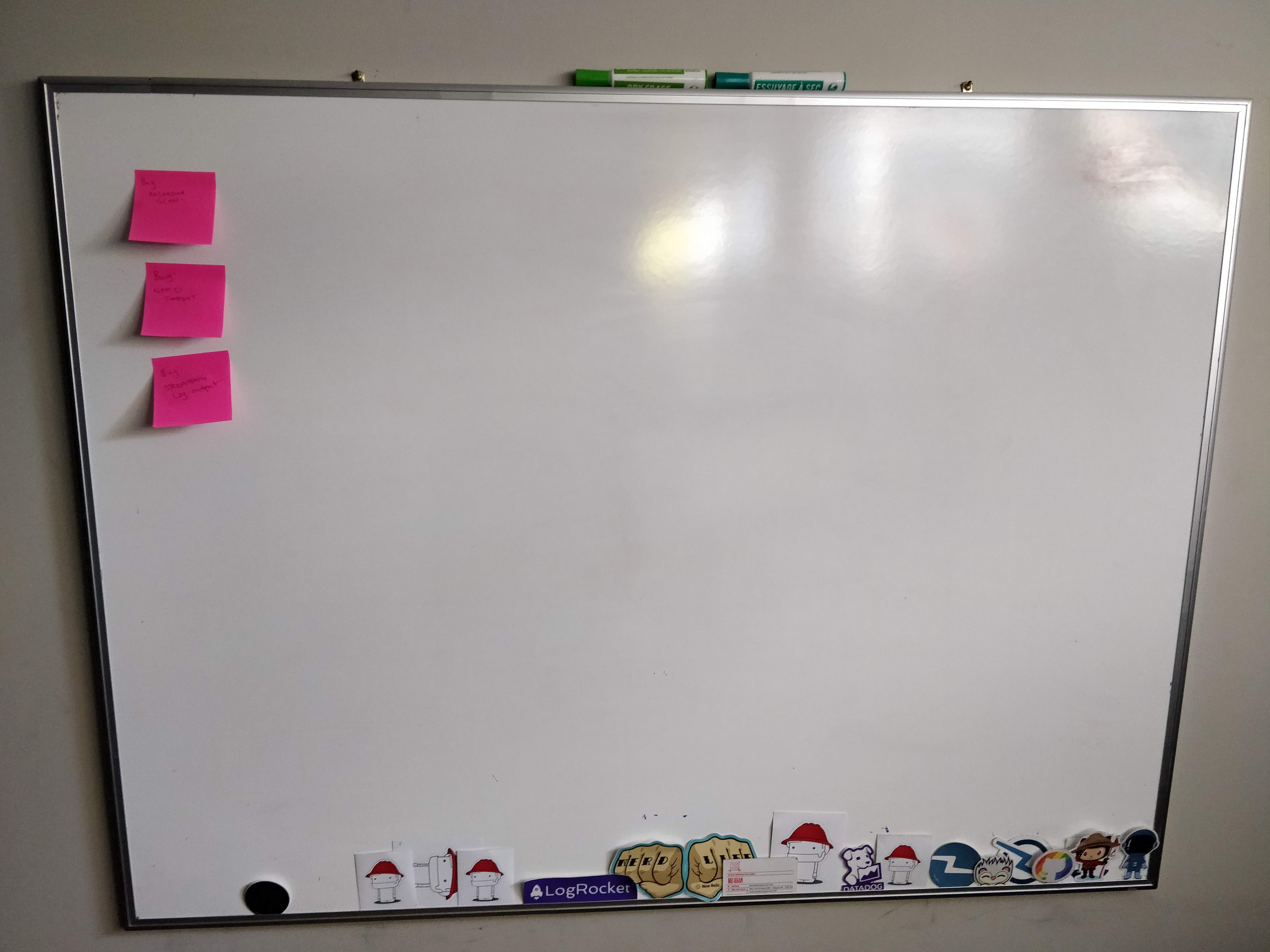
Whiteboard behind my desk with colored markers. Essential for thinking through complex problems.
Can tilt my monitor arms to point the webcam at the board during calls. Practice this move first - smooth transitions matter.
Workspace
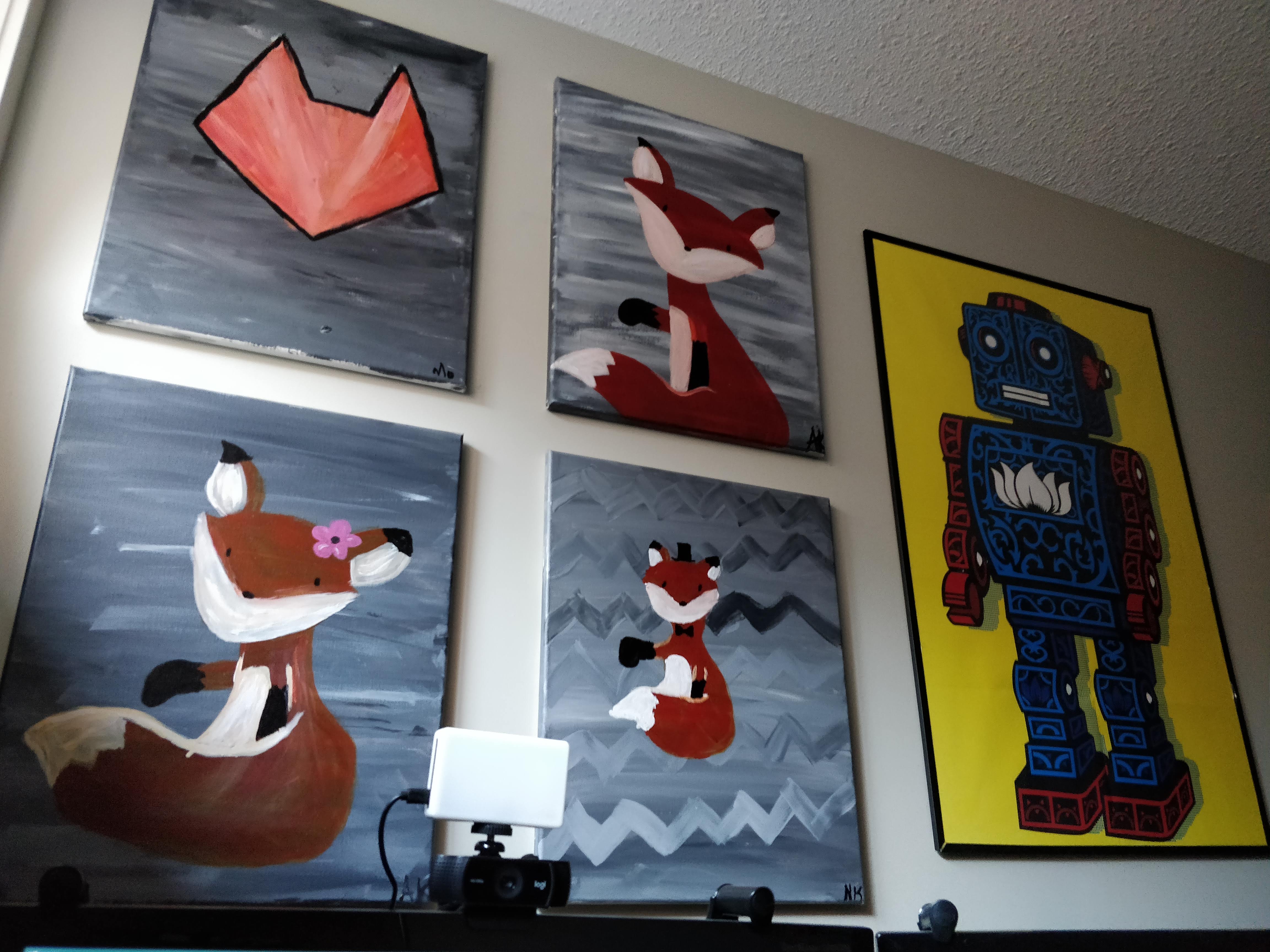
Side lighting from windows. Art you actually like looking at. Rearrange things occasionally.
When you’re stuck, looking up should be inspiring, not depressing.
Useful shortcuts
Audio control
Key binding for pavucontrol. No more “can you hear me?” fumbling.
Screenshots
super + x
  import "$HOME/Desktop/screenshot-$(date -u +%F-%s).png"
Use this constantly for bug reports and explanations.
Security
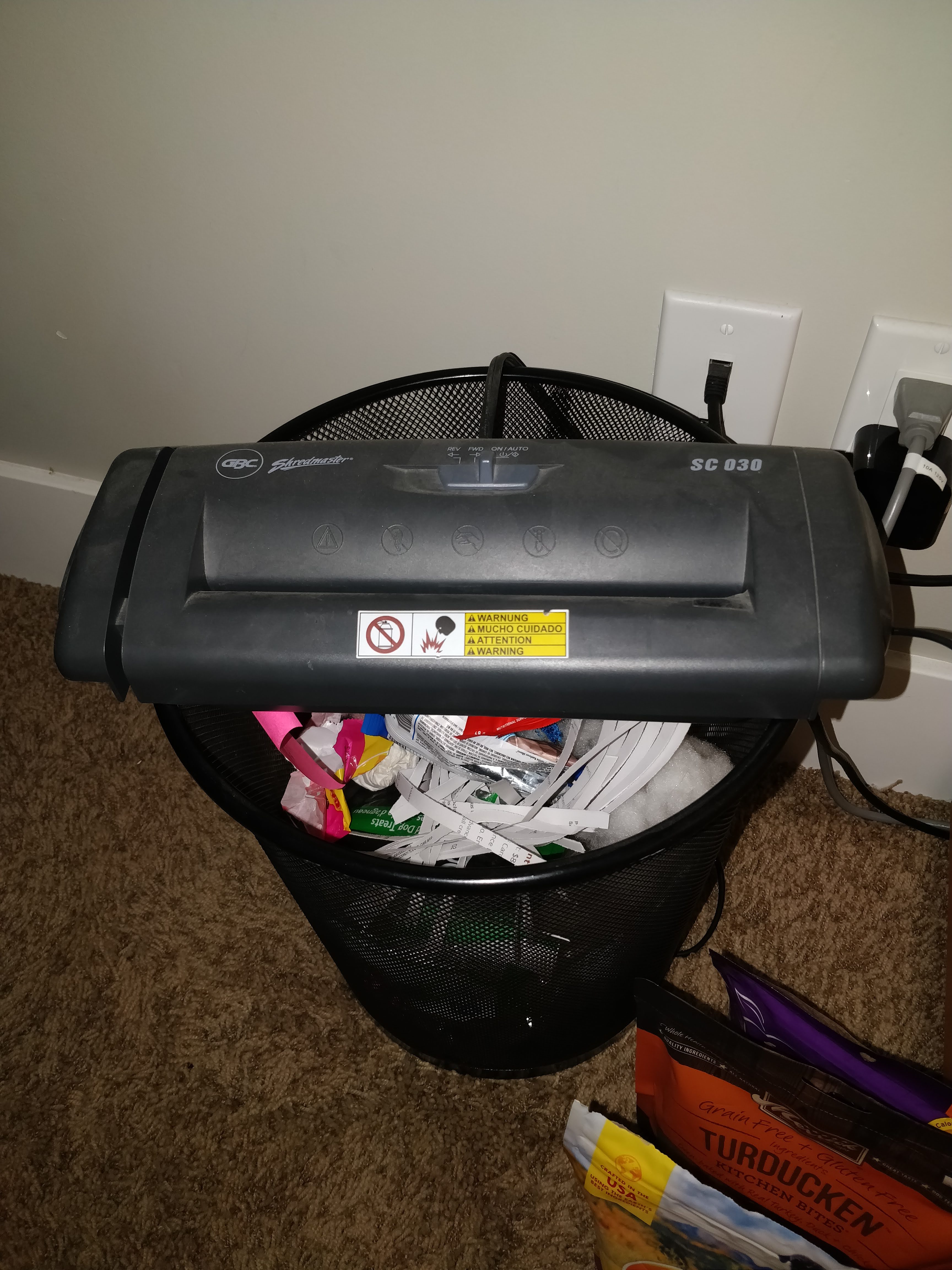
GPG for sensitive files. Signal when GPG is too much work. Paper shredder for documents.
What matters
Good chair and desk - Your back will thank you
Proper lighting - You need to be visible on video
Wired internet - For calls that matter
Clean cables - Affects your mood
Automation - Hotkeys for common tasks
Remote work effectiveness comes from intentional design, not just buying gear.